1
AI profile image generation
Central feature, widely criticized for artificial, low quality portrait outputs.
AI image generator focused on profile style photos. Attractive idea for casual users, but inconsistent image quality and aggressive billing practices make results risky and often disappointing.
Independent review — we test tools ourselves and analyze public user reviews. How we test.
Pica AI promises quick, good looking AI images and one reviewer did find the app easy to use with solid results and helpful support. However, most reviewers report very poor, artificial image quality, invalid or expiring credits, and complaints about abusive debits and account cancellation. The speed up option is perceived as manipulative, with slow rendering unless extra is paid. This service currently suits only low stakes, experimental image generation where quality expectations and tolerance for billing friction are both very low.
Pica AI is a browser based photo tool built around one operation: replacing a face in an image you already have. There is no prompt box and no text to image generation, so nothing here starts from a blank page. The navigation bar lists four tools, but only two run inside Pica AI. Photo Enhancer and Restore Old Photo hand you off to Artguru, a sister product from the same developer, which leaves Face Swap and Headshot+ as the working product.
That structure tells you who the site is for. Face Swap handles single portraits and group photos, with video swaps under the same tab, and it is the only tool a free account can use in any meaningful way. Headshot+ aims at job seekers who want a LinkedIn portrait without paying a photographer, though it demands 6 to 12 selfies before it runs. Pricing splits into two schemes that are easy to confuse: a $9.99 monthly subscription carrying 1,000 credits, and one off photo packs sold inside the Headshot+ flow at the same headline price.
Central feature, widely criticized for artificial, low quality portrait outputs.
Paid acceleration feature, perceived as manipulative since free rendering becomes extremely slow.
Credits promised for 90 days, but users report unexpected invalidation and unusable balances.
Reported abusive direct debits and account deletion despite remaining paid credits.
Account reportedly removed if debits are blocked, even with unused paid credit.
Support praised as great in one case, but others found it unhelpful and solutionless.
Interface described as easy to use by at least one reviewer.
I signed up with a Google account and landed on a dashboard holding 4 credits, with a timer counting down 23 hours and 59 minutes to the next refresh. No card was requested and no trial countdown appeared. The credit counter sits in the top right corner of every screen, which mattered more than I expected once I started measuring what each action actually costs.
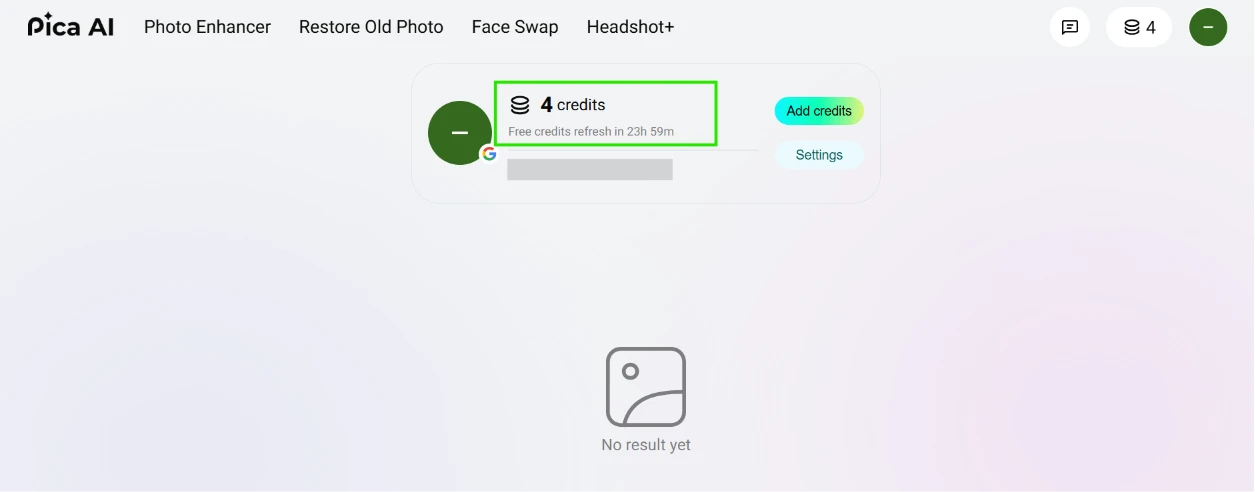
Four tools sit in the navigation bar: Photo Enhancer, Restore Old Photo, Face Swap and Headshot+. I worked through all four.
Face Swap opens into a two panel layout. Stock templates run down the left edge, and the right panel asks for the face you want dropped in. I ignored the templates as a base and uploaded a portrait from my own device instead. Setup ran under a minute with no queue in front of it.
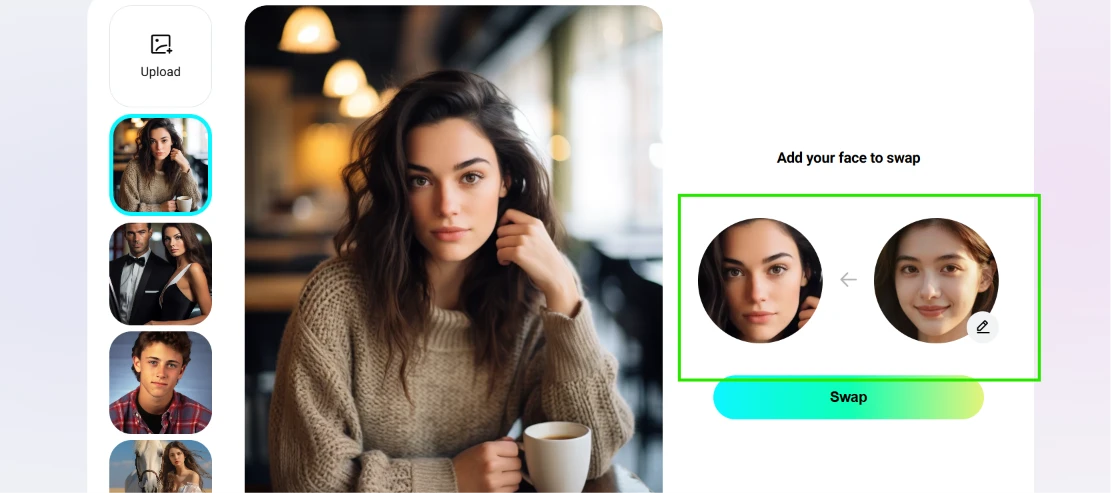
The output came out cleaner than I expected. Hair strands and the knit texture of the sweater survived without the melted look that gives most free swap tools away, and skin tone matched across the jawline. Lighting from the cafe background stayed consistent with the replaced face. A Pica AI watermark occupies the bottom right corner, and free output is capped at 1K resolution, so this is a file for social posting rather than anything a client would sign off on.

Back on the dashboard, the counter read 3.
One swap costs one credit. Four credits a day works out to four swaps in 24 hours, which is enough to test the tool honestly and nowhere near enough to produce at volume.
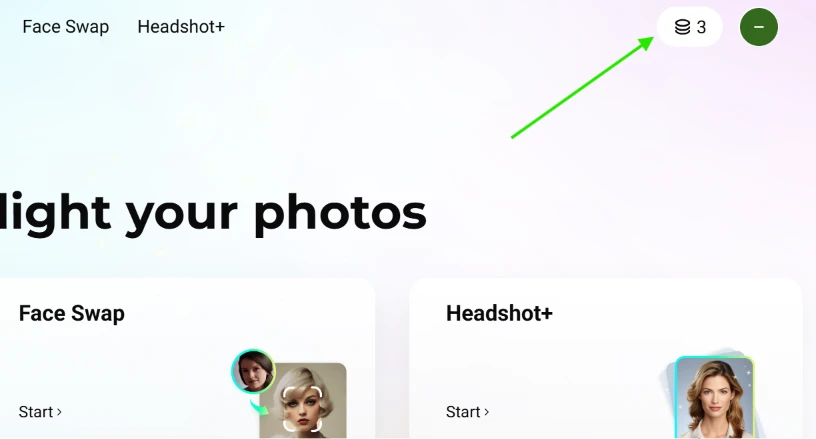
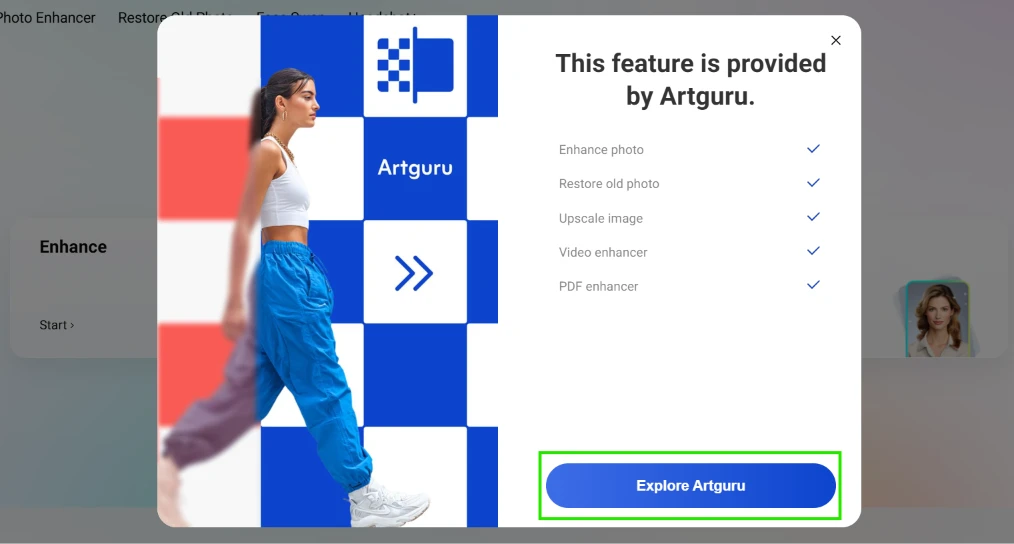
Photo Enhancer never opened. Clicking it produced a modal announcing that the feature is provided by Artguru, with a button pointing off to that site. Restore Old Photo behaves the same way. The modal advertises five Artguru capabilities, covering upscaling and PDF enhancement among them, so the handoff reaches further than the two navigation items imply. Half of the advertised toolset is a referral to someone else.
Headshot+ was the last one, and it asks for 6 to 12 selfies before it will generate anything. The interface is upfront about its limits. Red crosses sit on the group photo and blurred photo examples in the guidance strip. A third cross covers a photo with a hand across the face, labelled Sheltered.
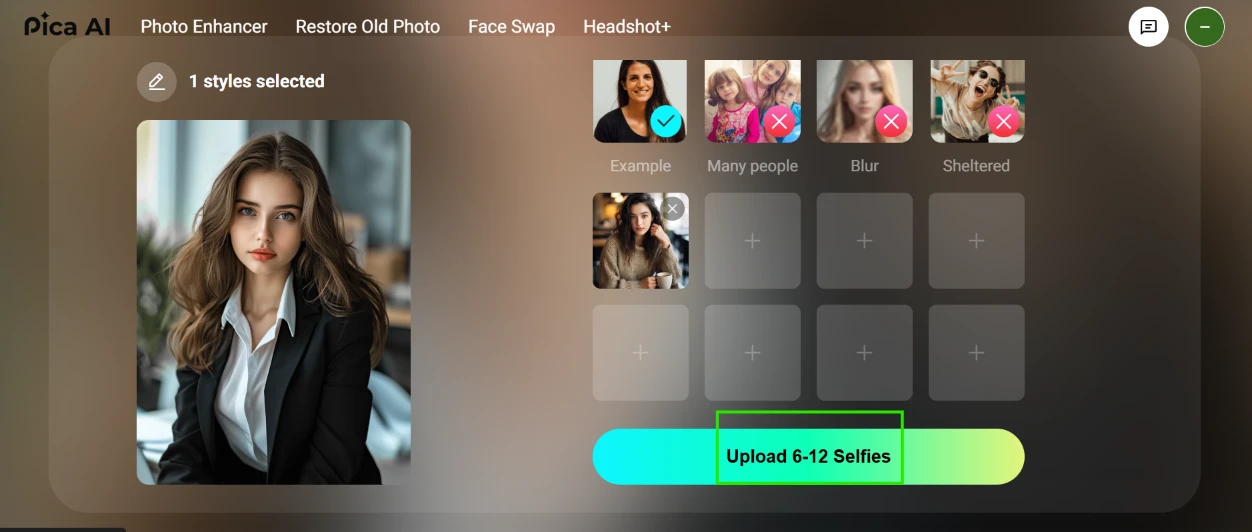
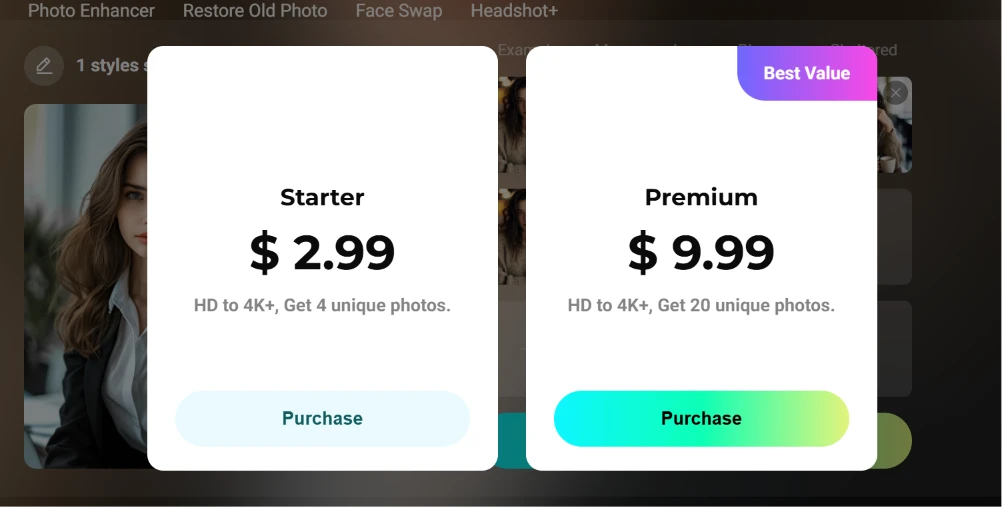
I uploaded the minimum set and hit a paywall. The purchase modal offered $2.99 for 4 photos and $9.99 for 20, the second marked Best Value. This is a one off pack rather than a subscription, and that distinction matters: the site’s pricing page separately sells a $9.99 monthly plan carrying 1,000 credits. Two unrelated products share an identical price, and nothing in the modal hints that the other one exists.
Free access amounts to a face swap tool with four uses a day. Enhancement and restoration belong to another company. Headshot+ takes a dozen selfies and then asks for money. The pricing page lists fast processing as a paid feature, which means free renders are throttled by design.
| Dimension | Our test | User signal | Verdict | Composite |
|---|---|---|---|---|
| Image Quality Realism and usability of outputs | 8 | 6 | Good | |
| Ease of Use Learning curve and app navigation | 8 | 7.5 | Good | |
| Billing Transparency Fairness of charges and credits | 5.5 | 3 | Weak | |
| Speed and Performance Rendering times and reliability | 6.5 | 5.5 | Moderate | |
| Customer Support Helpfulness and resolution quality | 6 | 4 | Weak | |
| Trust and Reliability Consistency of service and policies | 6 | 6 | Moderate |
Toolscopia uses cookies to keep you signed in, remember your preferences, and understand how our reviews get read. Analytics are anonymous. See our privacy policy for the full detail.



Comments 0
Join the discussion and share your perspective.
Sign in to post a comment and reply to other readers.
No comments yet
Be the first to share your perspective on this tool.