1
Background and object removal
Frequently praised for accurate removal of people and objects and good standard resolution output.
AIEase is an online AI photo editing and enhancement platform for casual and semi‑pro users who want fast background removal, headshots, colorization, and creative image tools, but can tolerate credit limits and subscription prompts.
Independent review — we test tools ourselves and analyze public user reviews. How we test.
AIEase delivers fast, high quality image enhancements, background removal, and headshots that many reviewers call their favorite among similar tools. Customer support is frequently praised as quick, friendly, and generous, especially around credit issues. However, several users report frustration with changing or unclear free limits, feature usage caps, account deletion friction, and perceived bait and switch around subscriptions and signups. Occasional bugs and uneven headshot quality also show up in complaints. Overall, it suits creators who value speed, quality, and responsive support more than a generous free tier.
AIEase is a free-to-start, web-based photo editing suite that packages dozens of AI tools into a simple upload-and-go workflow requiring no design skills or software installs. Users can generate images from text prompts across 20+ art styles, create professional headshots and passport photos, remove backgrounds, objects, and watermarks, upscale and enhance images up to 4K, restore and colorize old photographs, swap faces, and animate still photos into short clips using preset motion templates. Free daily credits cover casual use, while subscriptions add watermark-free exports, faster processing, and batch editing, with commercial rights included on generated output.
Think of it as a productivity layer for visual tasks rather than a creative studio. It excels at fast, repetitive jobs: cleaning up product photos, producing social content, and polishing profile pictures in seconds. The trade-offs come with the territory, as results cannot be manually fine-tuned after processing, free-tier output sometimes lacks sharpness, and playful features like cartoon filters and face swaps land at social-media quality rather than professional grade. For everyday users, marketers, and small sellers who value speed over pixel-level control, it covers a lot of ground for very little money.
Frequently praised for accurate removal of people and objects and good standard resolution output.
Speed and accuracy often applauded, though one reviewer saw barely noticeable improvements.
Headshots rated excellent by some, but others call results poor or useless, highlighting inconsistency.
Face swap and hair change are fun and engaging, but limited by feature usage caps.
Paid plans viewed as good value, yet free limits and paywalls feel restrictive or sudden.
Support repeatedly praised as quick, human, and generous when restoring credits or solving issues.
Users enjoy using both website and iPhone app, with mostly smooth experience and minor bugs.
Account deletion and signup requirements criticized as confusing or misleading by some reviewers.
Prompt compliance for detailed movement instructions can fail, reducing control over outputs.
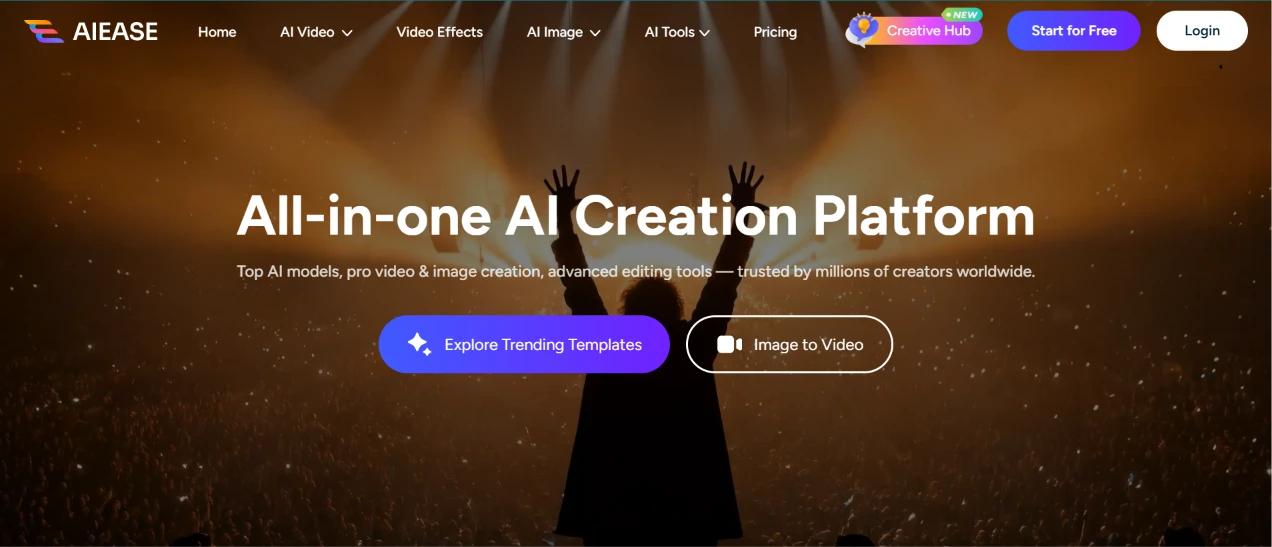
This was my first view, the AIEase homepage before I logged in. The top of the page ran a headline calling it an all-in-one AI creation platform, set over a dark concert-style background with hands in the air. Two buttons sat under the headline, one for Explore Trending Templates and another for Image to Video, with Start for Free and Login waiting over on the right.
Nothing here hinted at what anything would cost. The whole page read as a pitch, and I had to log in before a single number showed up.
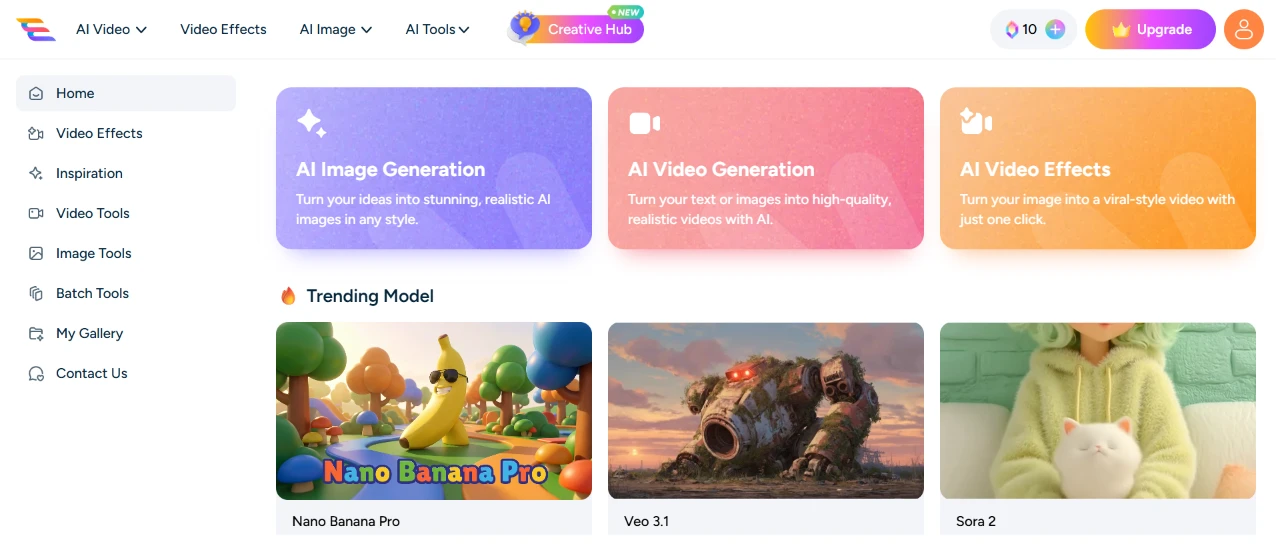
After logging in, the dashboard loaded and the first thing I checked was my balance. I had 10 credit points to work with, parked in the top bar right beside an Upgrade button. The left sidebar held the navigation, with Home and Inspiration near the top and the tool groups stacked below, while the middle of the screen led with cards for AI Image Generation and AI Video Generation, plus one for AI Video Effects.
Under those, a Trending Model row showed off Nano Banana Pro and Veo 3.1, with a Sora 2 tile sitting next to them.
Ten credits felt thin before I'd even started, and the Upgrade button being the brightest thing on the bar told me where this was pointing.
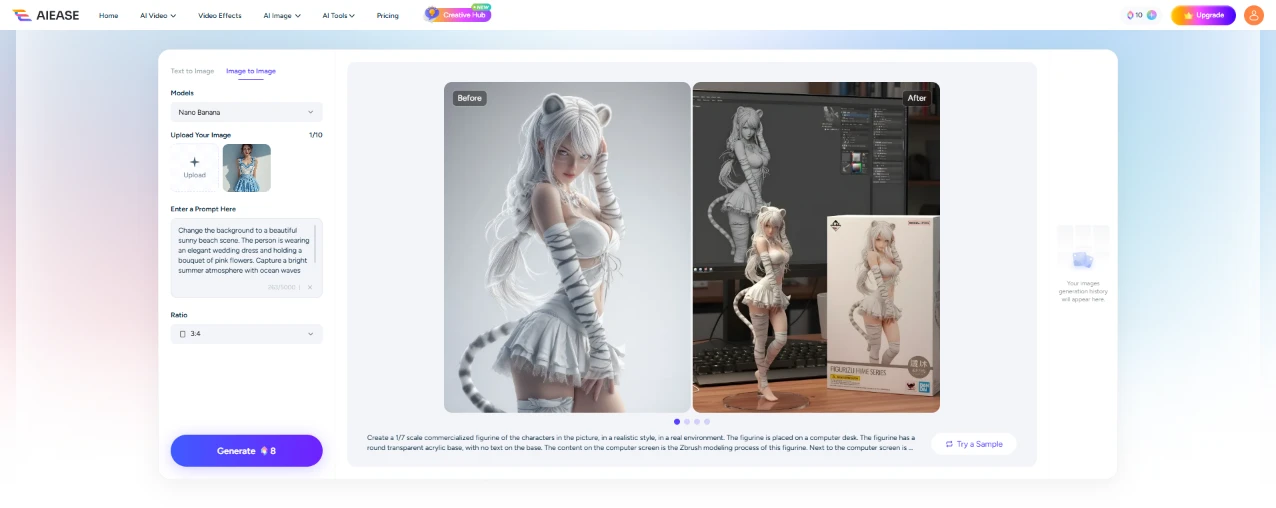
I went into the Image to Image tool to edit a photo. I picked the Nano Banana model and uploaded my picture, then set the ratio to 3:4. The price for a single image came to 8 credits, most of what I was holding.
The prompt I typed asked for a full scene change:
"Change the background to a beautiful sunny beach scene. The person is wearing an elegant wedding dress and holding a bouquet of pink flowers. Capture a bright summer atmosphere with ocean waves and warm sunlight. Maintain the person's identity, pose, and realism."
One thing threw me off. The big before-and-after preview in the middle wasn't my image at all, it was a sample of someone turning a character into a scale figurine, and my own upload sat as a tiny thumbnail off to the side. For a moment I wasn't sure the tool had picked up my photo.
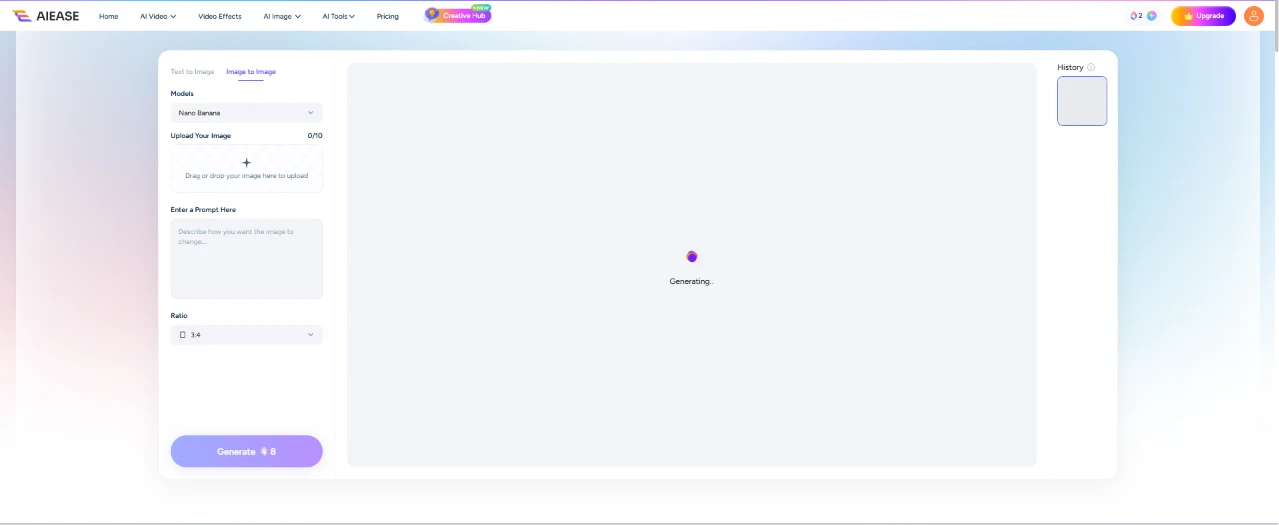
Then I hit generate and waited. The center of the screen cleared to a near-empty panel with a single dot and a "Generating" label, and it stayed that way for around 2 minutes. For one image that felt slow, with nothing on screen to track progress beyond the one blinking marker.

This is what came back. The tool kept the person from my original photo and set her on a bright beach in a white lace wedding dress, holding a cascading bouquet of pink flowers, with ocean waves rolling in behind her under a clear sky.
It stuck to the prompt. The dress, the flowers, the sunlight, and the beach were all there, and the face and pose held up instead of drifting into someone new. The catch was the price. That one image took 8 of my 10 credits, leaving me next to nothing to keep testing with.
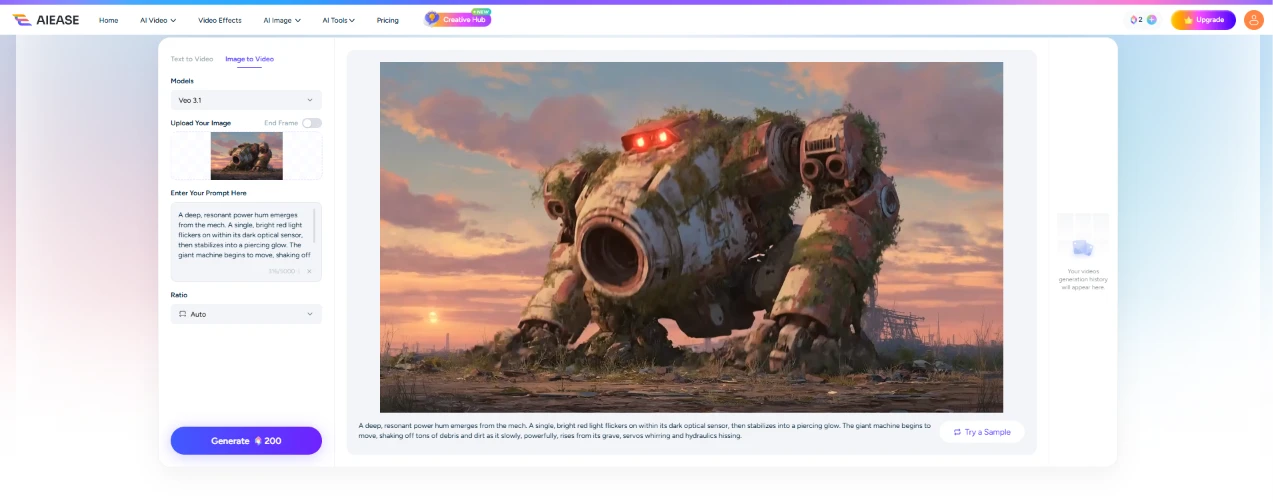
Next I moved to the AI video generation feature. The interface loaded with the Veo 3.1 model and a sample already sitting in the preview, a rusty giant mech with a glowing red eye standing in a wasteland, paired with a long prompt about it powering up.
The number that caught my eye was on the Generate button. This one wanted about 200 credits for a video, and my balance was still in the single digits.
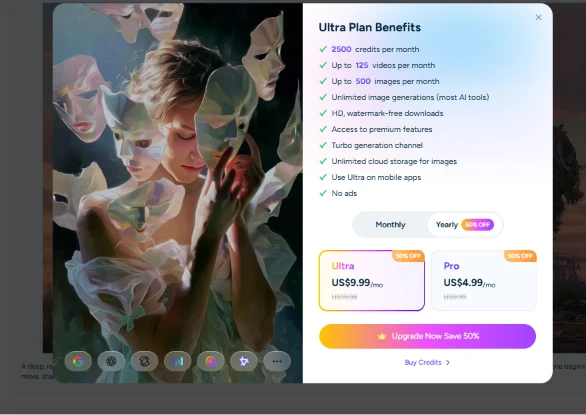
So the second I clicked generate, a card jumped up in place of a video. It was the Ultra Plan Benefits screen, telling me my credits were short and listing what a subscription buys: 2,500 credits a month, up to 125 videos, up to 500 images, and a pile of other perks like watermark-free downloads and no ads.
Two plans were laid out, Ultra at US$9.99 a month and Pro at US$4.99, both flashing a 50% off tag. There was no way to reach a working video without paying for it.
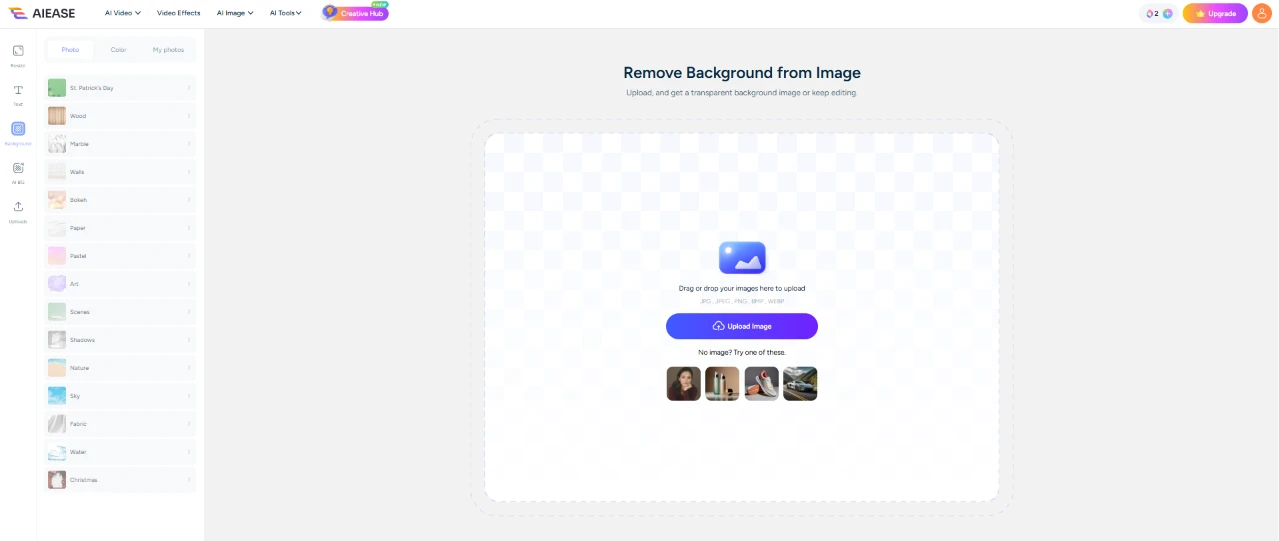
After that wall, I went hunting for something that wouldn't charge me, and landed on the background remover, which AIEase lists as free. The tool opened to a Remove Background from Image screen with a big upload box in the middle and a handful of sample images to try if you didn't bring your own.
No credit counter stood between me and using it, a welcome change after the video screen.

This is the photo I fed it, a shot of a girl seen from behind in over-ear headphones and a pink hoodie, looking out at a hazy line of green hills.
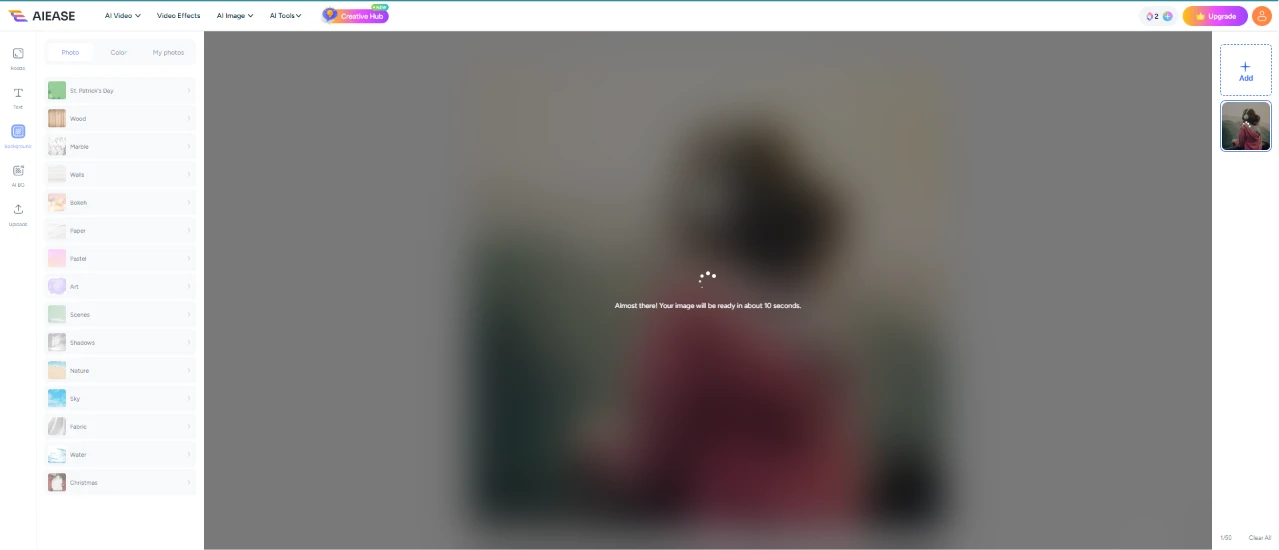
The removal kicked off and my photo blurred behind an "Almost there" message that promised the image in about 30 seconds. It held to that. Roughly half a minute later it was done, a good deal quicker than the 2 minutes the image generation had eaten.
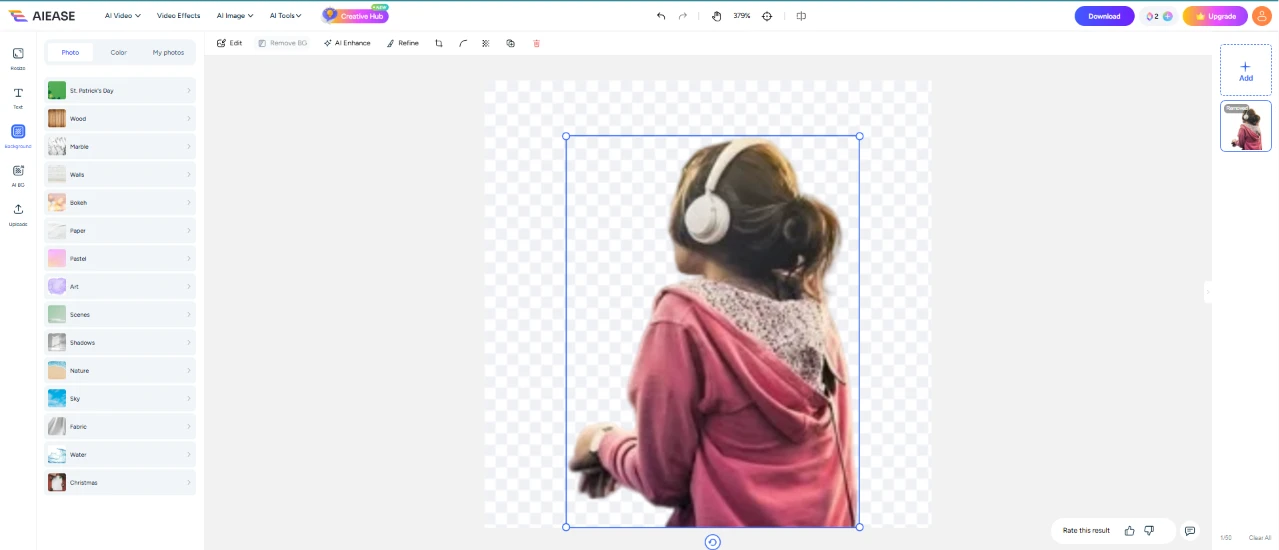
Here's the cutout it handed back, the girl lifted onto a checkered transparent background inside an editor with a Download button up top. The edges around her hair and headphones looked clean to me, and with the whole thing free and ready to save, this was the smoothest part of the session.
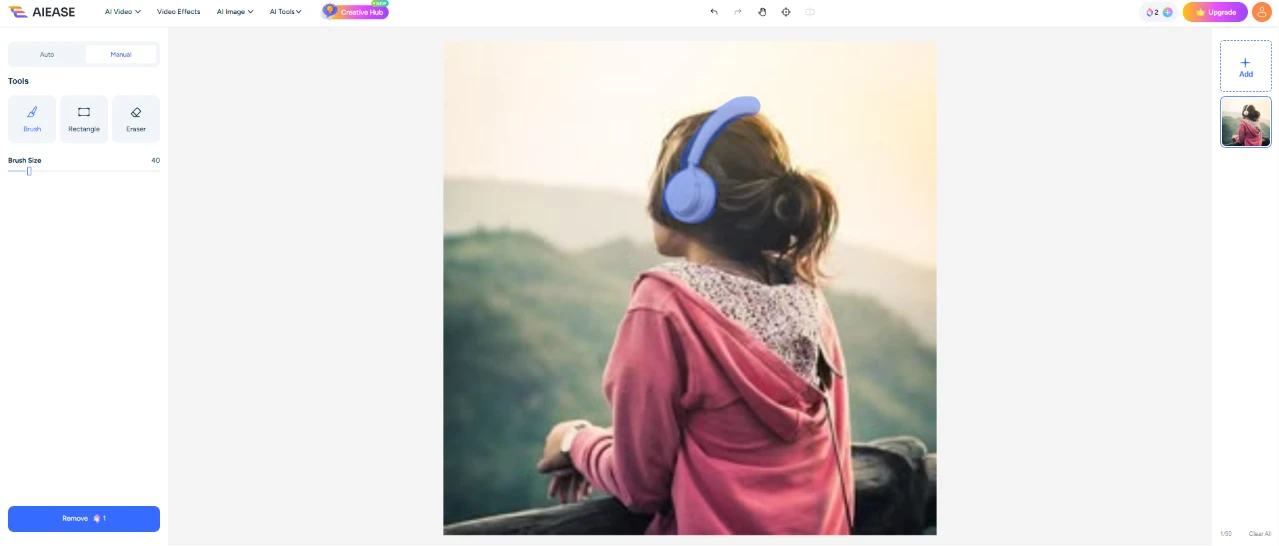
Staying in the editor, I tried the object remover next. I brushed over the headphones to mark them for deletion, and the selection lit up blue across that part of the photo. The tool priced this at 1 credit, which after the 200-credit video ask barely registered.
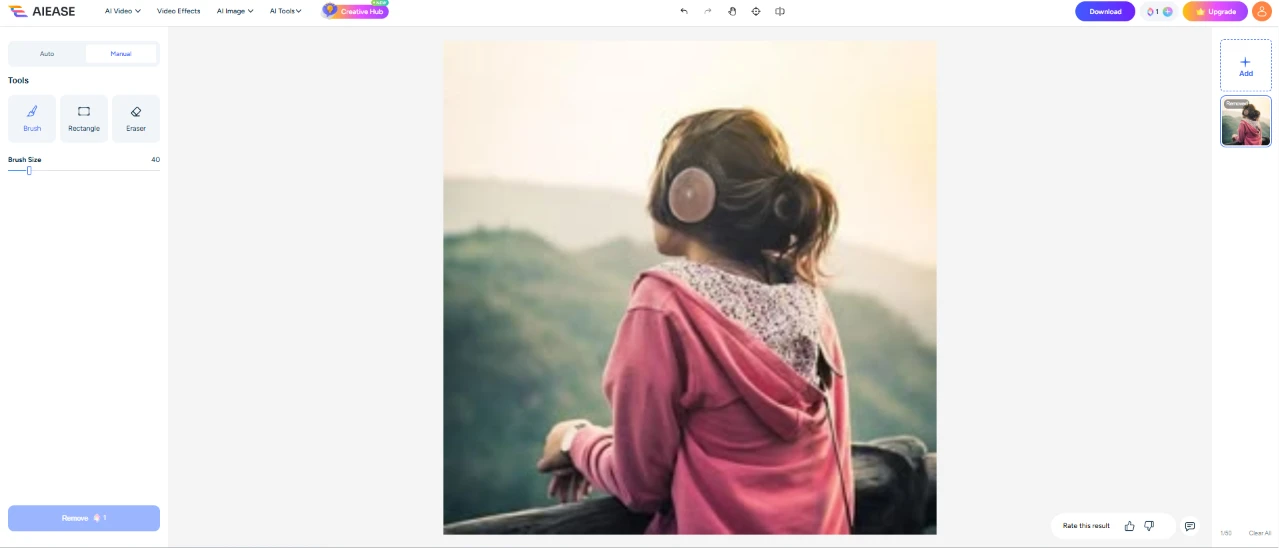
This is what came back after the removal, about 30 seconds later. The headphones were gone, but the patch where they had been didn't come out clean, and it looked rough enough that I wouldn't call it done. Of everything I ran, this was the one result that landed short of what I wanted.
| Dimension | Our test | User signal | Verdict | Composite |
|---|---|---|---|---|
| Image Quality Sharpness, realism, enhancement results | 8.5 | 8.7 | Excellent | |
| Ease of Use Learning curve and workflow simplicity | 8 | 8.3 | Good | |
| Pricing Transparency Clarity of limits and charges | 6 | 5.5 | Weak | |
| Feature Reliability Bugs, stability, prompt adherence | 7 | 7.2 | Good | |
| Customer Support Speed and helpfulness of responses | 9 | 9.2 | Excellent | |
| Free Tier Experience Value and friction for free use | 5.5 | 5 | Weak |
Toolscopia uses cookies to keep you signed in, remember your preferences, and understand how our reviews get read. Analytics are anonymous. See our privacy policy for the full detail.






Comments 0
Join the discussion and share your perspective.
Sign in to post a comment and reply to other readers.
No comments yet
Be the first to share your perspective on this tool.